

Plan My Trip tool gets upgrade for people using a computer
Riders now have the same experience planning a trip on their computer or mobile device
.webp?sfvrsn=9c3a2be1_2 "Sam Menzimer")
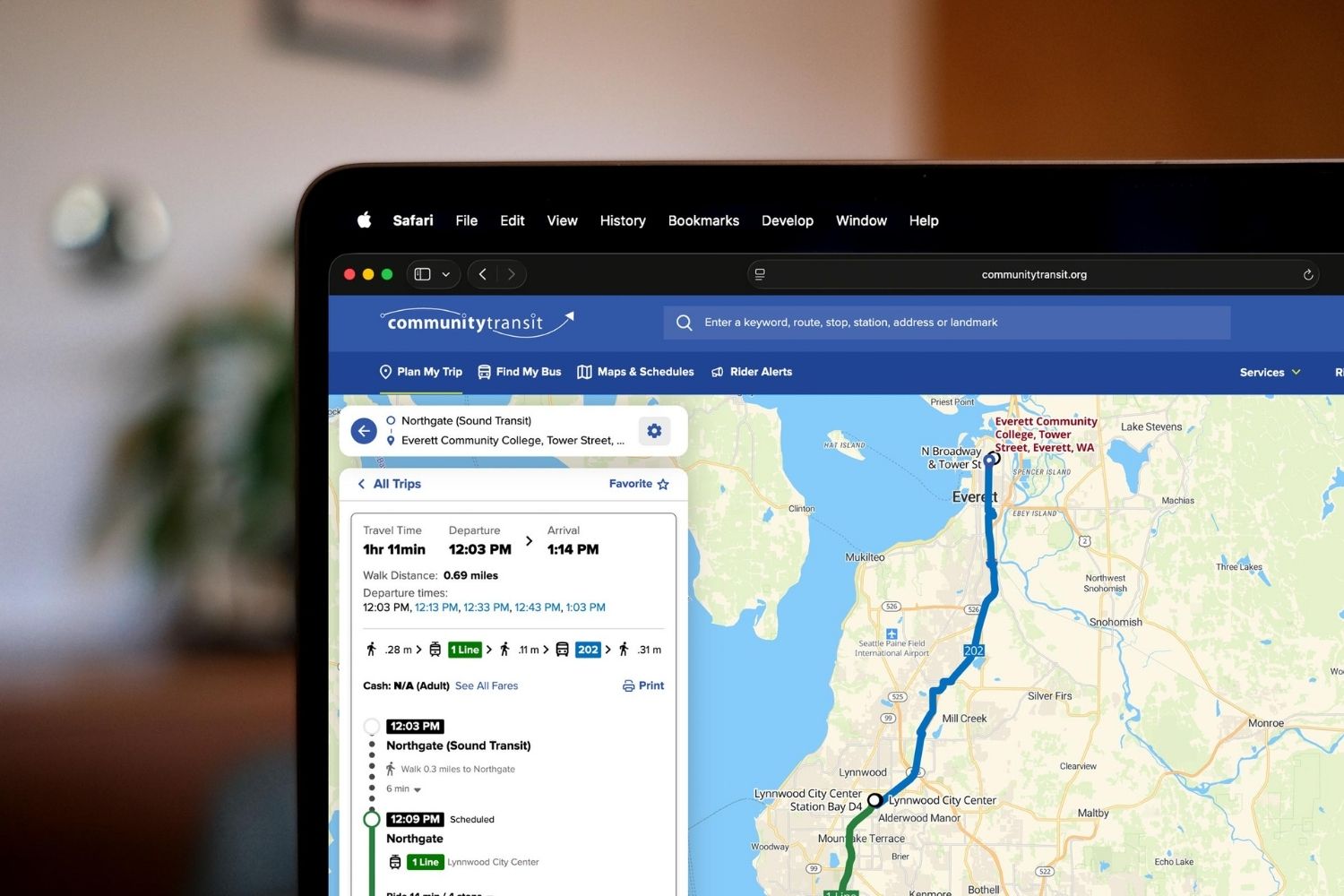
If you use Community Transit’s Plan My Trip tool, you may have noticed the fresh new look it got on mobile devices last summer. Now there’s good news for people who plan trips on a computer, the desktop version has been upgraded too.
That means riders now get the same experience whether they’re using a computer, phone, or tablet.
What’s new?
For people who have used Plan My Trip before, it will still feel familiar. Think of this update as a cleaner, more modern version of a tool you already know and trust.
Here’s what’s changed:
- One consistent experience. The tool now looks and works the same on desktop and mobile.
- Modern, app-like design. The new look feels more like an app, whether you’re on your phone or computer.
- Bigger, clearer map. The map is larger and easier to read, making it simpler to view routes and navigate your trip.
The updated Plan My Trip tool is designed to make planning your bus trip easier, no matter what device you’re using.
How to use Plan My trip
If you haven’t used Plan My Trip before, now is a great time to try it. Plan My Trip helps you plan a transit trip anywhere in the region. Just open your web browser (on mobile or desktop) and go to communitytransit.org/planmytrip to get started.
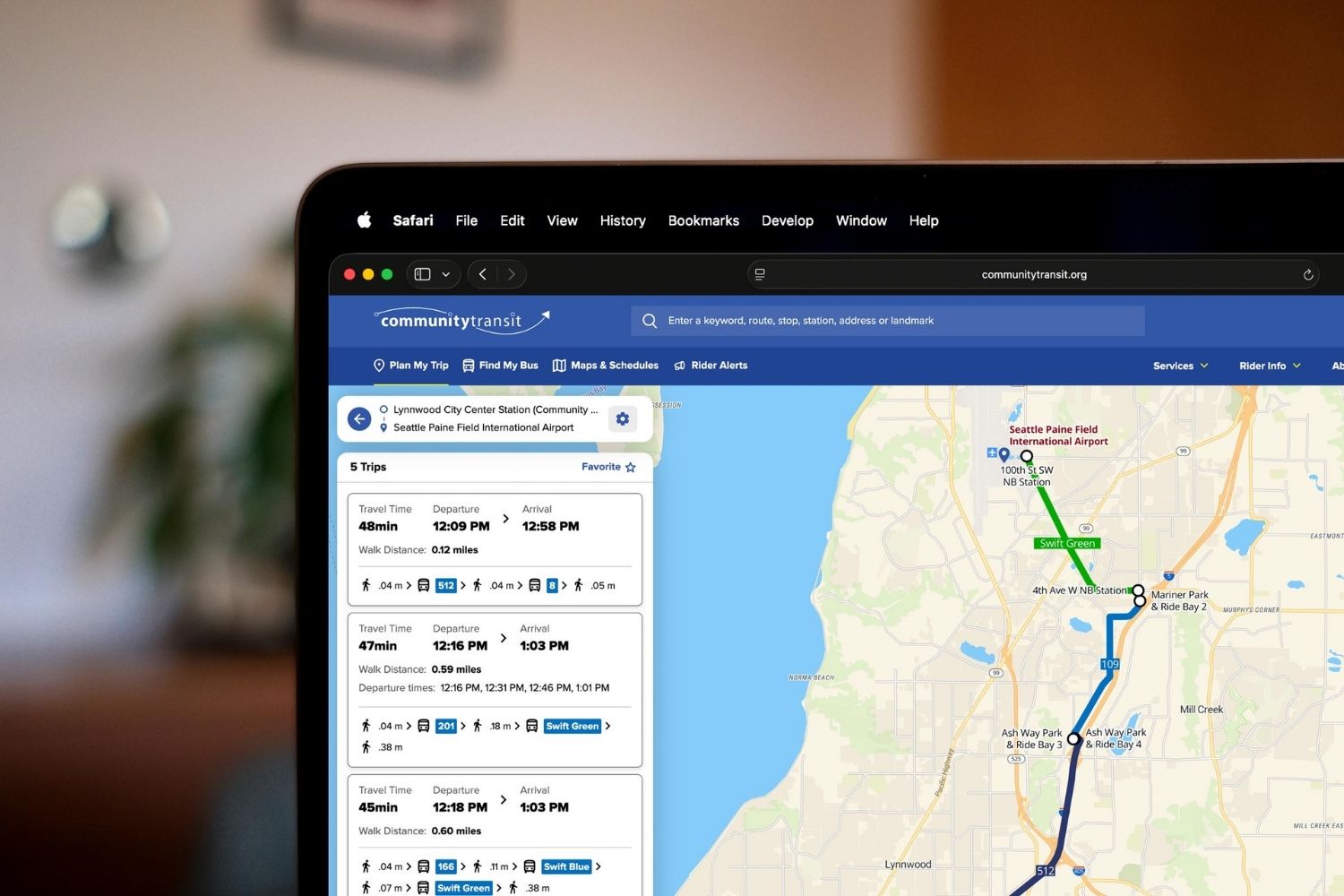
Enter in the tool where you’re starting, where you want to go, and when you want to leave or arrive. The tool will show you your transit options and include walking distance, fare information, and total travel time. You can review multiple trip options to compare routes and choose the one that works best for you.
Want some help getting started?
If you’d like help using Plan My Trip, our Customer Care and Ride Store teams are happy to walk you through the tool over the phone or in person. Customer Care can be reached at (425) 353-7433.