

Community Transit Service Alerts: Rider Alerts Made Easier
A cleaner service alert layout makes it easier to find quick answers during service disruptions.

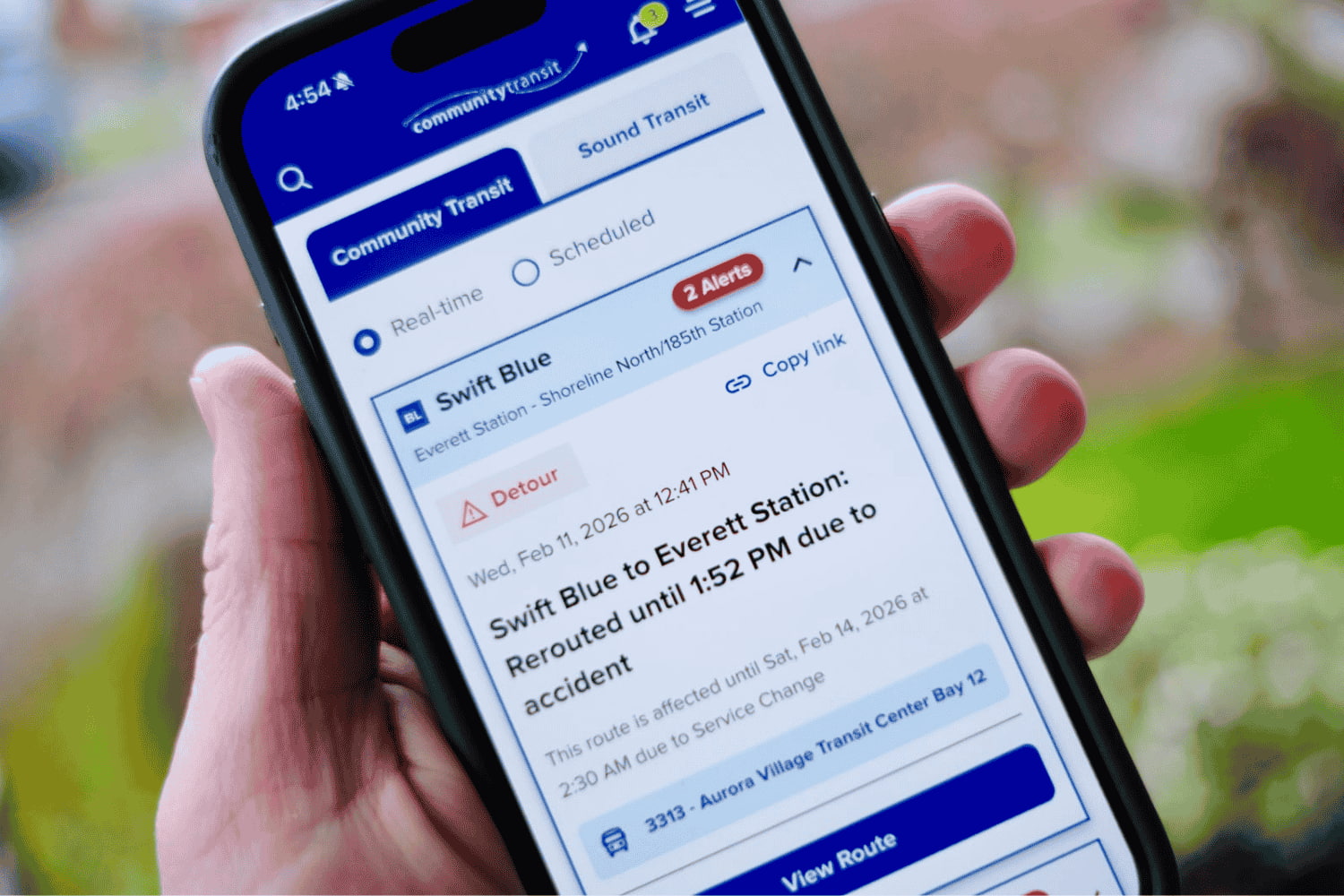
Rider alerts on communitytransit.org are fully mobile-friendly and easier to read.
When you're checking Rider Alerts, you're usually trying to answer one question fast: Does this affect my trip? Our previous Rider Alert page layout wasn't always easy to read.
We redesigned how Rider Alerts appear on our website to make critical service information easier to find and quicker to access for you.
What's new
- Key details show up first: route number, delay time, and direction.
- Cleaner layout: improved text style and clearer organization make alerts easier to scan.
- Smoother experience: no more jarring page movement when you open alert details.
- Easier to share: Tap on "Copy link" to share an alert by text or email
- Alternate routes are easier to find. You can access options directly from each alert.
And, since most riders check alerts on their phones, the updated experience is fully mobile-friendly.
The result: a faster, clearer way to get the info you need during service disruptions, with less frustration.
Look at the new Rider Alerts webpage and let us know what you think.