

A new way to find your bus: Preview our updated Maps and Schedules
Finding your bus, checking departure times, and planning your next trip are about to get easier.

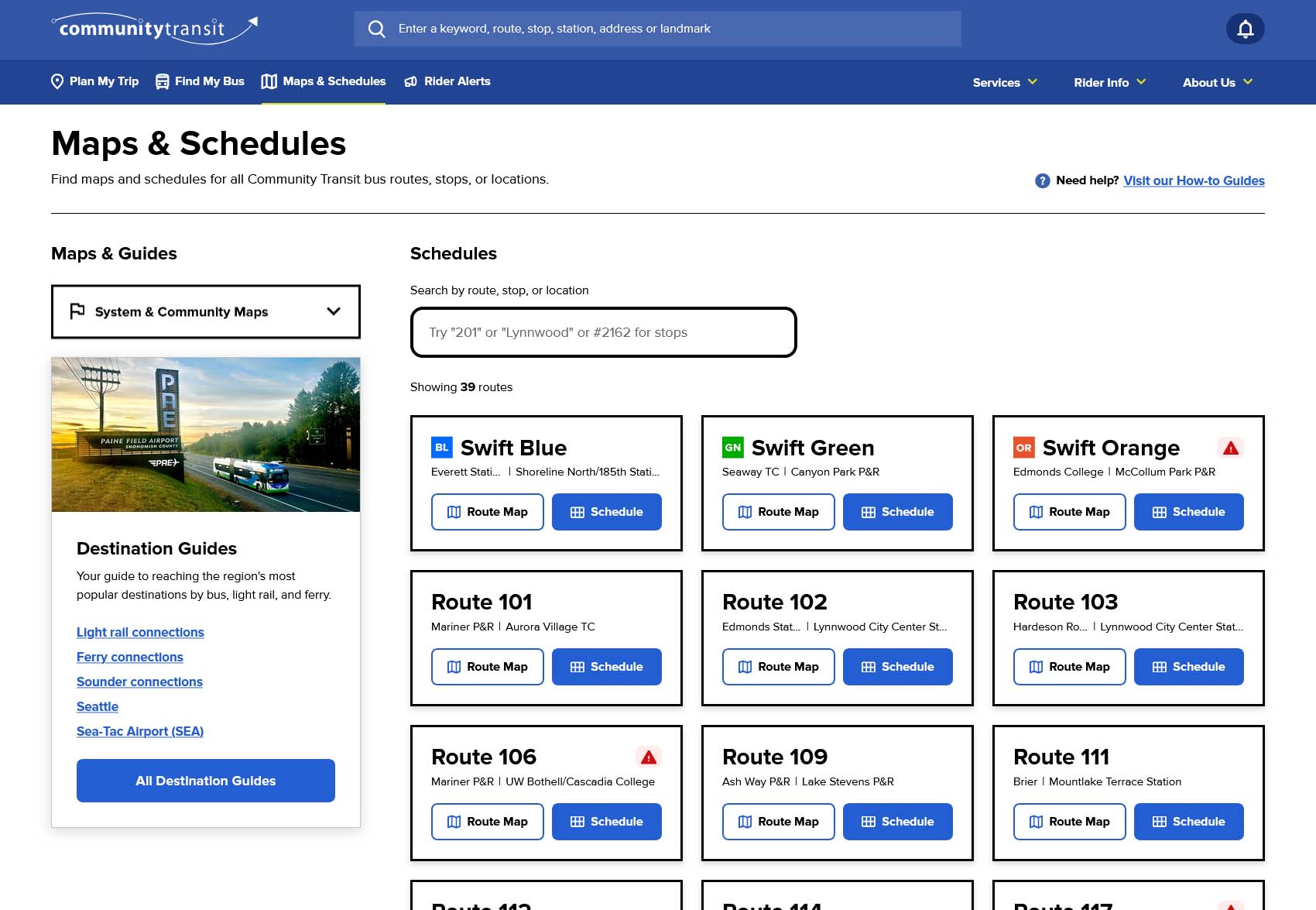
How the new Maps & Schedules index page will look on desktop where you can more easily browse our list of routes.
Finding your bus, checking departure times, and planning your next trip are about to get easier.
Community Transit is updating Maps & Schedules on our website with a new look and features to help you find the information you need faster.
Before the new format officially launches on Dec. 12, you're invited to try it out and tell us what you think.
From Nov. 16 through Dec. 11, explore the new Maps & Schedules preview link and share your feedback.
Try the new Maps & Schedules preview
Three ways to make planning your trip easier
Whether you're commuting to work, heading to an appointment, or visiting somewhere new, here are three features we think you'll find especially helpful:
1. Plan your trip from point to point
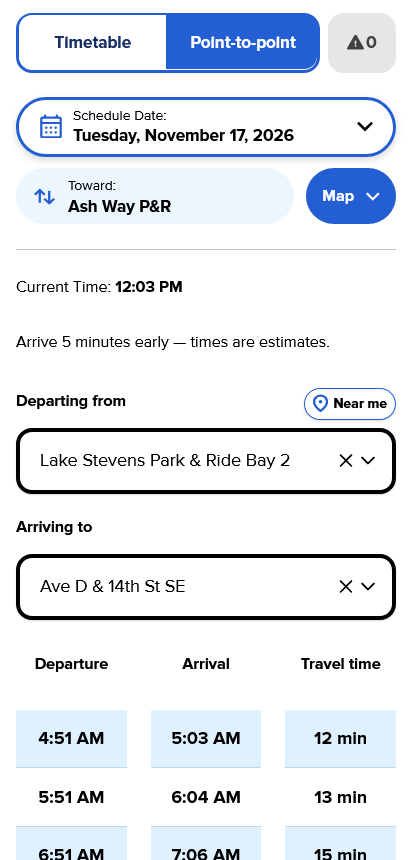
Want to know when to catch your bus and how long your ride will take?
With the point-to-point feature, you can select where you'll board and where you'll get off along a route. You'll see scheduled departure and arrival times so you can plan your trip with more confidence.
It's especially helpful when you're traveling somewhere new or need to arrive at a certain time.
2. Find out when your bus is leaving
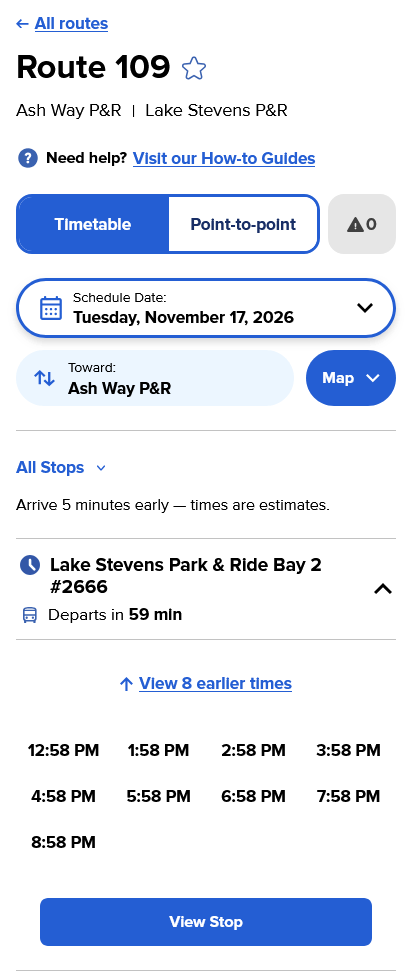
You shouldn't have to guess when your bus will depart.
The updated Maps & Schedules puts real-time departure information front and center, so you can quickly see when your bus is expected to leave your stop.
Instead of searching through a full timetable, you can see helpful information like "Departs in 12 min."
That means less time looking for information and more time enjoying the ride.
3. Find everything you need in one place
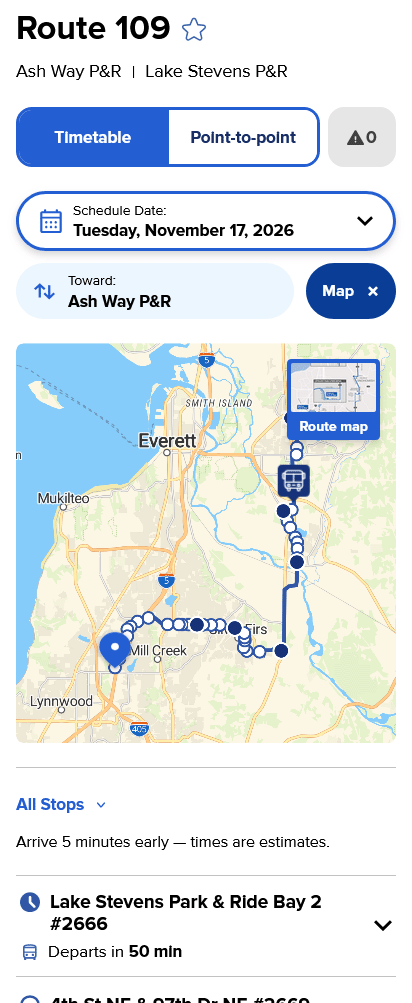
No more switching between different web pages to find details about your route.
Each route page brings together:
- Bus schedules and route maps
- Point-to-point trip information
- Real-time departure times
- Rider Alerts that could affect your trip
More features to explore
We've also made other improvements to help you find your way around Maps & Schedules.
- A cleaner, easier-to-use layout. Find your route, stop, or schedule faster with a simpler, easier-to-navigate design.
- Choose your travel date. Select a date to see scheduled times for the day you plan to travel.
- Explore routes in your area. See where routes go and narrow your search by location, bus stop, or route number. It's a convenient way to discover your options before you travel.
Try it, then tell us what you think
From Nov. 16 through Dec. 11, 2026, you can explore the new features, look up your regular route, or plan a trip somewhere new.
While you're there, use the feedback form to tell us what works well and what could be better. Your feedback will help us understand how riders use Maps & Schedules and identify improvements. We've also created a "how-to guide" you can refer to as you click around the preview.
The updated Maps & Schedules will officially launch on Dec. 12, 2026, the first day of our next service change.